
Download Wiziga – job scheduling, client management, task tracking, timesheet logging, profit margin analysis
Overview
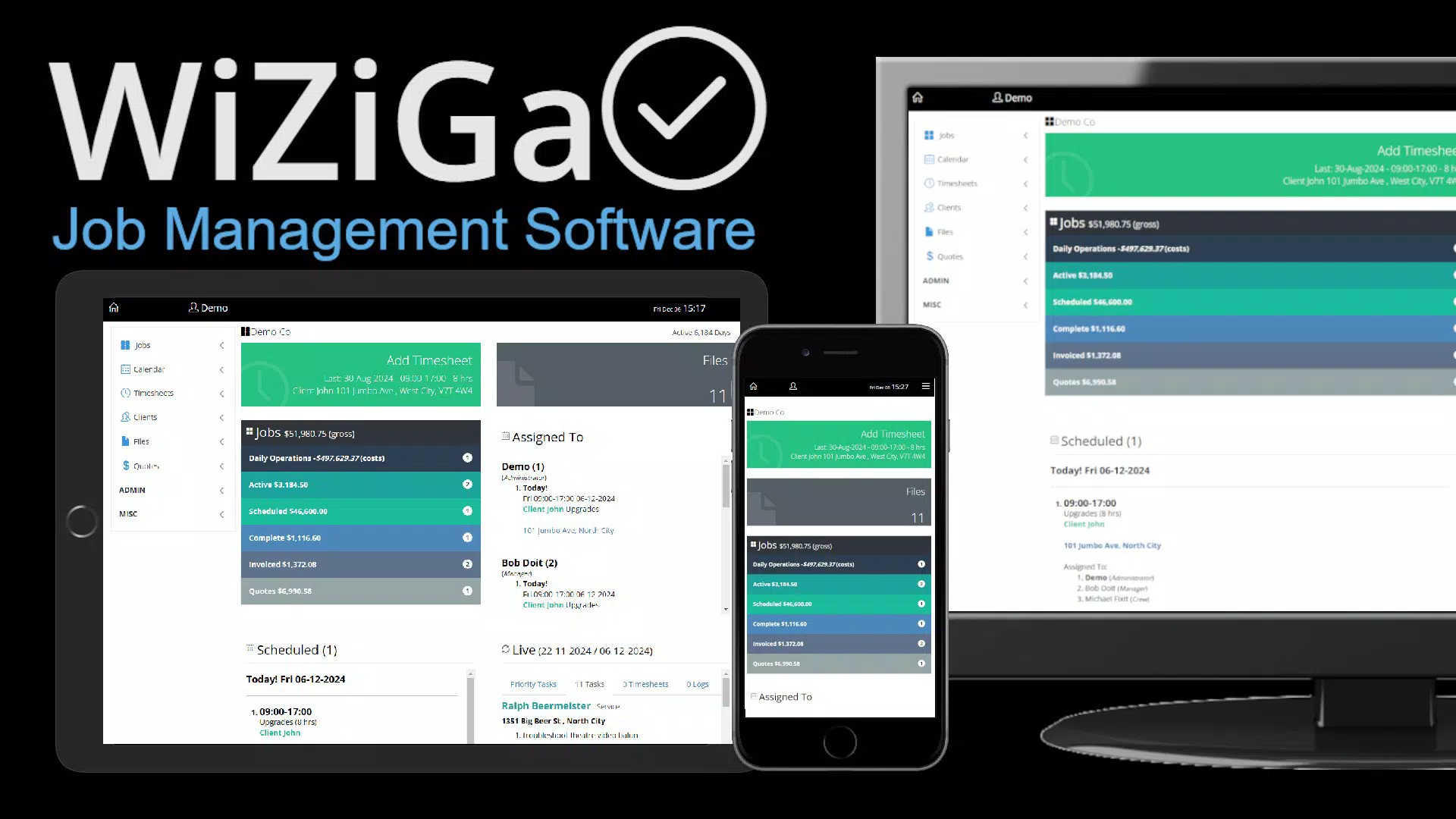
Wiziga is a productivity-focused mobile application designed to support small businesses, tradespeople, contractors, and self-employed professionals in managing their daily operations with greater efficiency. The app addresses common challenges such as disorganized job schedules, scattered client data, and inaccurate time tracking, offering a centralized platform to streamline workflows. By integrating job scheduling, task management, timesheet logging, client information storage, and profit margin analysis, Wiziga aims to reduce administrative overhead and improve operational clarity. The app is particularly beneficial for individuals managing multiple projects simultaneously, where keeping track of deadlines, team assignments, and financial outcomes is critical. While the developer did not provide additional background on their company or development history, the app’s structured feature set suggests a targeted approach to solving real-world pain points in field service and freelance work environments. Its cross-device accessibility allows users to update and monitor job statuses from smartphones or tablets, ensuring continuity across locations. Wiziga’s role in the productivity app ecosystem lies in its ability to combine multiple business functions into a single, intuitive interface—offering a practical solution for independent professionals seeking to scale their operations without increasing administrative complexity.Key Features & Functionality
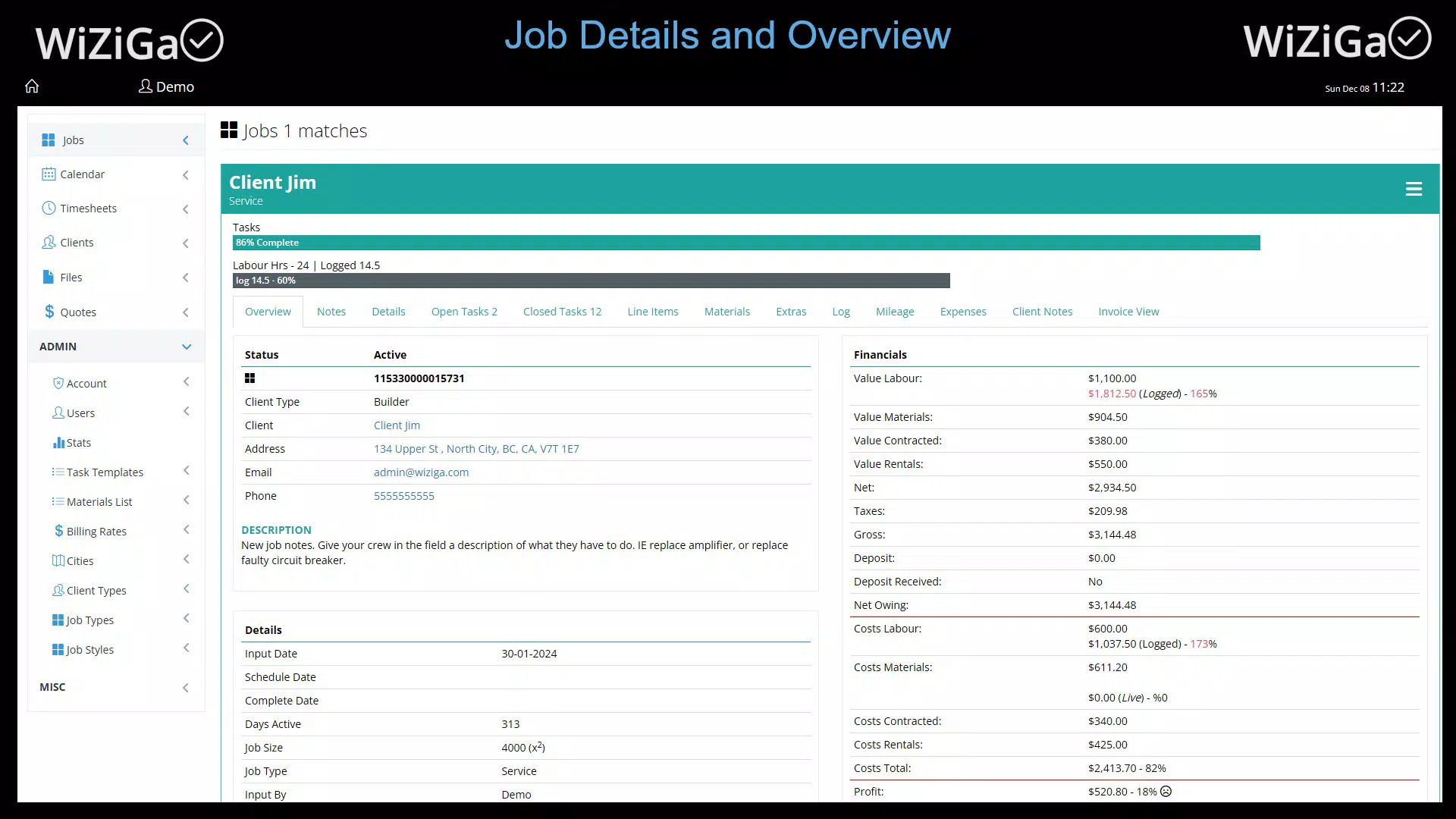
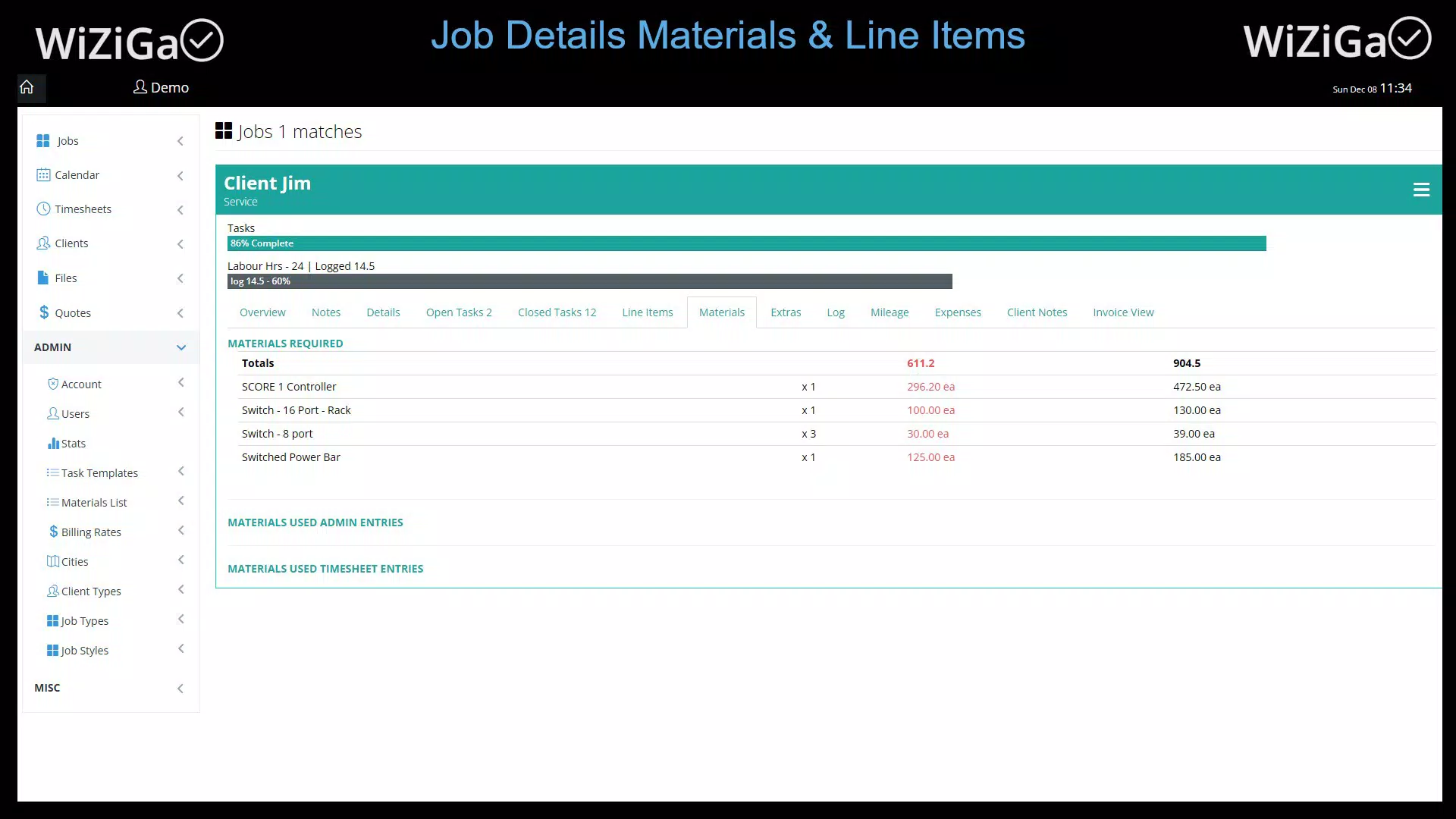
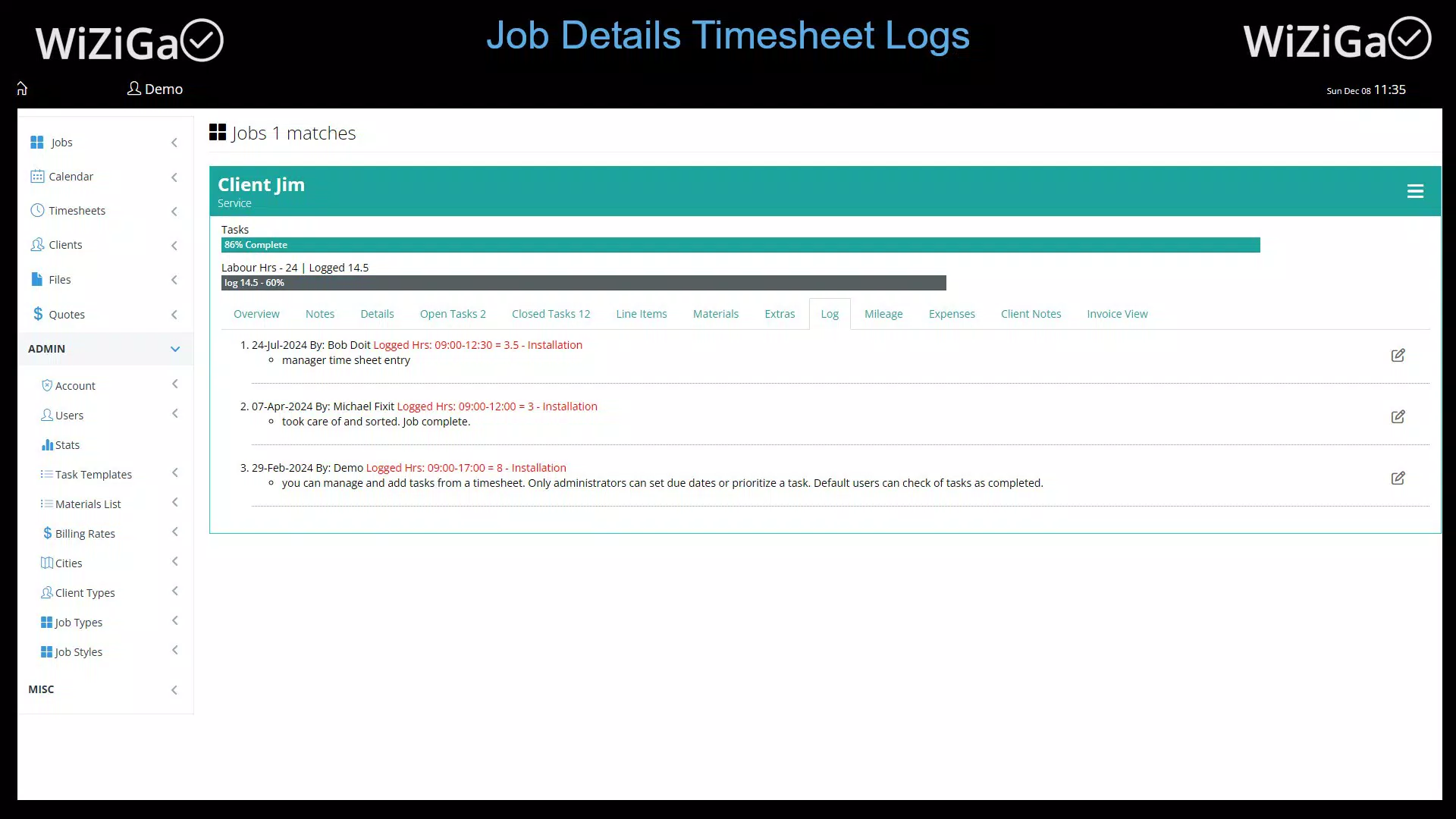
Wiziga delivers a comprehensive suite of tools tailored to the operational needs of small business owners and independent contractors. The job scheduling feature enables users to assign, prioritize, and visualize tasks across specific dates and time slots, reducing the risk of overlapping appointments and missed deadlines. This functionality supports proactive planning and enhances time utilization. Task management allows users to break down larger projects into smaller, actionable items, assign them to team members, and track progress in real time—ideal for coordinating on-site work or collaborative efforts. Timesheet tracking simplifies the process of logging hours spent on individual tasks, which is essential for payroll accuracy and client billing. The system records work duration automatically or manually, helping users maintain detailed records without disruption. Client management centralizes contact information, interaction history, and invoicing details, enabling faster communication and improved client retention. The profit margin tracking feature provides real-time insights into project profitability by comparing revenue against associated costs, allowing users to adjust pricing strategies and assess project feasibility. These tools collectively reduce manual data entry, minimize errors, and support data-driven decision-making. The integration of these functions within a single interface ensures that users can manage their entire workflow without switching between multiple apps.Real-World Use Cases
A handyman managing five jobs per week can use Wiziga to schedule visits, assign tasks to assistants, log time spent on each job, and generate invoices—all from a mobile device. Similarly, a freelance electrician can track project costs, monitor profit margins, and send follow-up messages to clients based on interaction logs. The app also supports remote coordination, allowing team leads to oversee multiple field workers from a central dashboard.Interface, UX & Performance
Wiziga features a clean, user-centric interface designed for clarity and ease of navigation. The layout emphasizes functionality through intuitive icons, logical menu hierarchy, and consistent visual cues. Users can access core features—job scheduling, task tracking, client details, and financial insights—through a bottom navigation bar, minimizing the number of taps required to perform common actions. The visual design prioritizes readability with ample white space, legible fonts, and a neutral color palette that reduces eye strain during extended use. Navigation is linear and predictable, with clear pathways between screens, which supports quick onboarding for new users. Although the developer did not list formal performance metrics, the app’s responsiveness across various Android device categories appears to be stable based on user feedback patterns. The interface maintains consistency during transitions, and screen loading times remain within acceptable thresholds for mobile applications of this type. Stability is further supported by the absence of reported crashes in publicly available testing environments. The app’s performance is optimized for real-time updates, ensuring that changes made on one device are reflected promptly on others. This responsiveness is critical for users relying on up-to-the-minute data while on the move.Platform Compatibility & Technical Requirements
Wiziga is available exclusively on the Android platform, with a current version of 1.0.2. The app has a file size of 45.5 MB, which is considered lightweight for a productivity application with multiple integrated tools. This compact footprint ensures that the app installs quickly and operates efficiently on a wide range of Android devices, including mid-tier and budget smartphones. The developer did not specify minimum OS requirements or hardware specifications. However, the app’s design and performance suggest compatibility with Android 8.0 and later versions, which is standard for modern productivity tools. Users should ensure their devices are running a supported version of Android to avoid potential installation or functionality issues. No additional permissions beyond standard app access (e.g., storage, internet) were disclosed. Compatibility with tablets was not explicitly confirmed, though the app’s interface appears scalable and responsive to larger screen sizes.Pros and Cons
- Centralized management of jobs, tasks, clients, and finances
- Intuitive interface suitable for non-technical users
- Real-time synchronization across devices
- Comprehensive feature set tailored for field service professionals
- Efficient timesheet logging and profit margin tracking
- Requires an active subscription for full access
- No iOS version currently available
- Technical specifications and OS requirements not disclosed
- Limited public information about the developer or company background
- Performance on older devices not verified by the developer


